
Open Connected Services
Go to Settings → Connected Services, then review the Apple Health option.
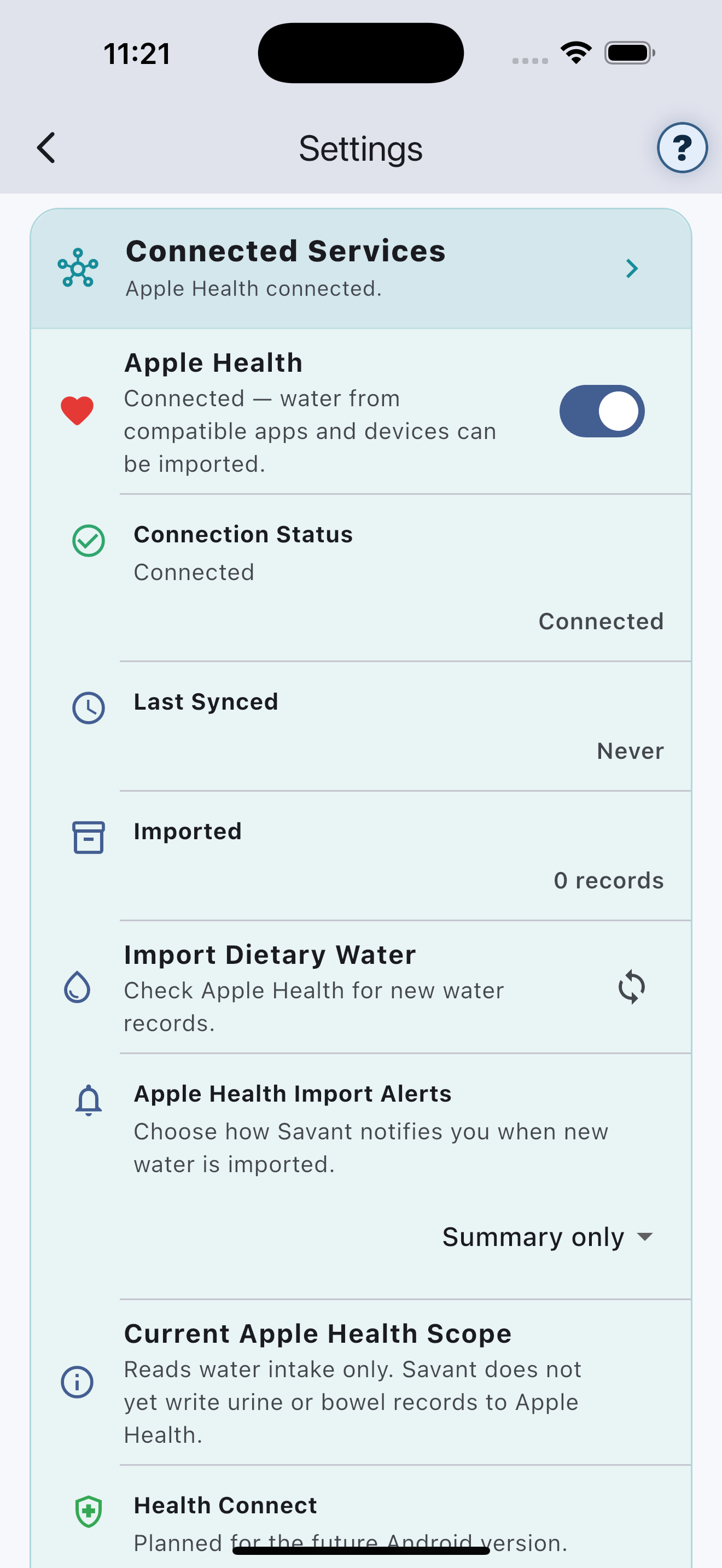
Review Apple’s permission screen
Choose which supported categories Vayru may access. Permissions can later be changed in Apple Health or Settings.
Imported water
Where supported and authorised, Vayru can import water records created by compatible apps and devices. Check imported entries for accuracy.
Using a compatible smart water bottle
The usual path is:
Water bottle→Bottle app→Apple Health→Savant
Savant does not pair directly with the bottle. Confirm that the bottle’s companion app can write water or hydration records to Apple Health, then grant Savant the relevant supported permission.
Check imported entries
Device synchronisation can be delayed or duplicated. Review imported records in Savant and in the bottle’s companion app when something looks unexpected.